Create a Timelapse
from Your Photos.
Upload a photo sequence, choose its pacing and finish, then render a timelapse video online. No software download required.
Scroll to explore
How it works
Three steps to cinematic output.
A simple workflow matters. Upload the sequence, shape the look, and render without getting buried in setup.
Step 1
Upload your photos
Drop a sequence of shots and start from the raw material you already have.
Step 2
Style the motion
Control pacing, motion, transitions, soundtrack, and branding from one flow.

Step 3
Export your video
Render a polished output for social, storytelling, or client-ready delivery.
What you can make
Visual formats for the modern feed.
From clean timelapses to richer motion-driven pieces, OTL helps you turn still frames into outputs that feel ready to share.
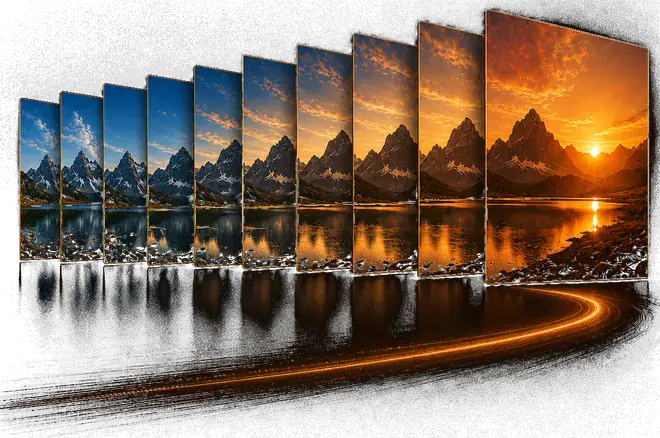
Classic Timelapse
Turn a clean photo sequence into a flowing timelapse that keeps the focus on progression and change.
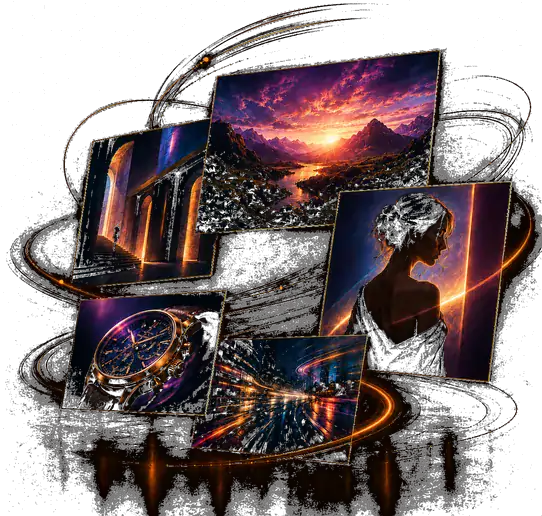
Motion Collage
Layer visuals, motion, and rhythm into a richer photo-driven composition that feels designed.
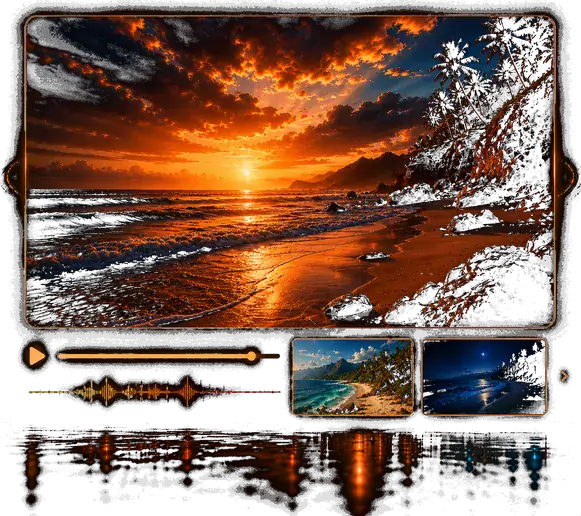
Branded Story Video
Add soundtrack, transitions, and watermark control to produce polished exports ready to publish.
The engine
A focused timelapse tool in your browser.
Upload a photo sequence, shape the motion, add soundtrack and branding, and export without leaving the web.
Build the sequence
Start with the photo set that will drive the timelapse.
Lock the soundtrack
Choose music early so the rest of the piece has the right pacing.
Refine the finish
Tune output, motion, transitions, and branding before rendering.
Untitled timelapse
Timelapse creator
Upload
Step 1
Soundtrack
Step 2
Output settings
Step 3
Transition & watermark
Step 4
Review & render
Step 5
Render
Step 6
Step 1 · Upload
Build the sequence
Upload your photos to create the sequence, review the order, and prepare the draft before you move into soundtrack and output.
Drop your photos here
or browse files
JPG, PNG, WEBP · up to 1 MB eachProject title *
Description
0
Photos uploaded
Start your first project on us.
New accounts receive 10 free credits. Simple work can stay free, while heavier output and richer treatment can use packs or a monthly plan.
10 free
credits
Frequently Asked Questions
Everything you need to know before you start creating.
You can create classic timelapses, motion-driven photo collages, and more polished photo-based videos with transitions, soundtrack, and branding controls.
No. You can start without an account. Creating a free account means you are less likely to lose a project, you get 10 credits to explore the richer parts of OTL, and you unlock the more advanced paid features. Even after those free credits are gone, you can still keep making videos — you just will not have access to the full set of premium options.
We charge for the options that make a render heavier on the server, such as higher resolutions, higher frame rates, and some richer transitions or treatments. Those choices take more processing time, and that is the cost we need to cover. If you keep the video simple or avoid the heavier options, you can still make very good timelapses for free.
Credits are used when your selected output and effects move the render into paid territory. Small, simple work should stay cheaper than richer, heavier exports. Before you start the render, OTL shows you the estimated credits needed so you can decide before committing.
No. There is nothing to cancel and no monthly charge. You buy a pack of credits when you need one, and it stays on your account until you spend it or it expires.
Yes. Purchased credits currently last for one year after purchase. Promotional or free credits can have their own validity windows, and the relevant expiry should be shown where it matters.